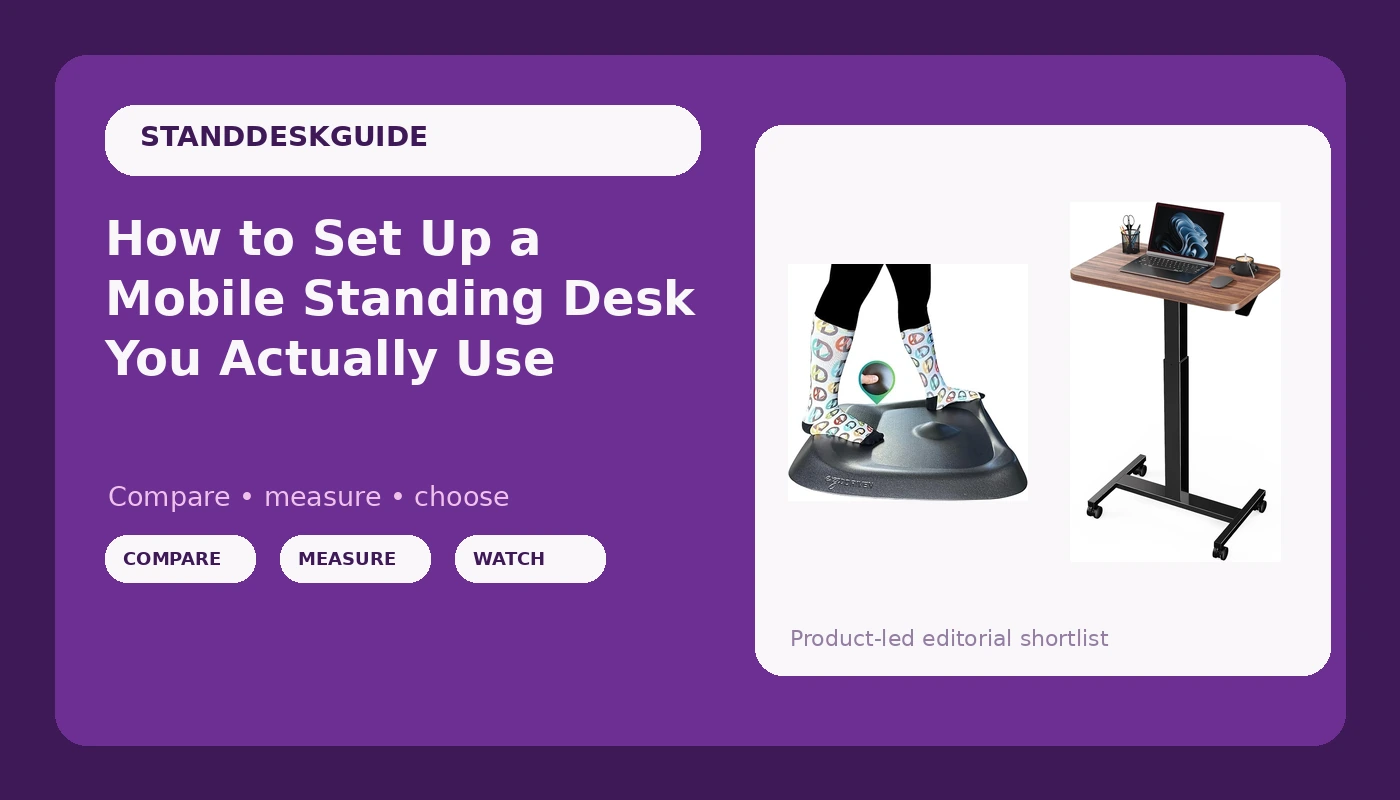
Most people who buy a rolling desk set it up wrong in the first ten minutes. They bolt the casters on, raise the top once, and then spend six months using it as a stationary desk that happens to have wheels. A mobile standing desk setup is not really an assembly job. It is a positioning job, and the position is dictated by your floor, your elbows, and how far the desk travels when you push it across the room.
I have been designing office furniture for a living for six years and reviewing it for four. Five desks are sitting in my garage in various states of disassembly right now. Every desk that comes through my door gets the same three-week rotation: sitting height in the morning, standing height in the afternoon, a loaded wobble check at full extension, and a cable audit at the end of week three. The method is boring. It also catches the things a showroom demo hides, which is usually everything.
The sequence below takes about 45 minutes and works on any wheeled sit-stand desk. Do it in this order and you will not have to redo it.
Why you should trust me
I spent six years on the design side of office furniture before I started reviewing it, which means I have watched a lot of frames get cost-reduced in a conference room and then watched buyers discover the result at standing height.
The part that matters is the log. I write down which motors die, at what month, and under what load. I keep a wobble meter and I use it at full height with a monitor in place, because a desk that is stable when empty is not a stable desk. No frame review without a loaded stability test. No quiet claim without a decibel reading. No opinion at all without three weeks of daily use at both sitting and standing heights.
For wheeled desks there is one more rule. Wobble is a geometry problem, not a weight problem. Casters add a joint at the bottom of every leg, and every joint is a place for movement to start.
How I picked and how I tested
A wheeled desk has to clear a different bar than a fixed one, because the wheels change the physics. I judge these desks on four things.
Stability at standing height with the casters locked. If it sways when I type at full extension, nothing else on the spec sheet matters.
The frame itself: two lifting columns, a crossbar, and steel where it counts. The top is interchangeable. The frame is the desk.
The controller. I set presets, unplug the desk for 30 seconds, plug it back in, and see whether the memory survived. A controller that forgets is a controller you stop using, and a height feature you stop using is money you wasted.
The floor. A wheeled desk on carpet behaves nothing like the same desk on hardwood, and most wobble complaints I get trace back to pile height, not the frame.
I apply the same checklist to the mat, because on a rolling setup the mat is not an accessory. It is half the system. A mat with real terrain gives your feet somewhere to go, and a flat mat turns a 20 minute stand into a shuffle.
The two pieces this setup starts with
Everything below assumes you have a wheeled desk and something to stand on. Here is what I would put in those slots first.
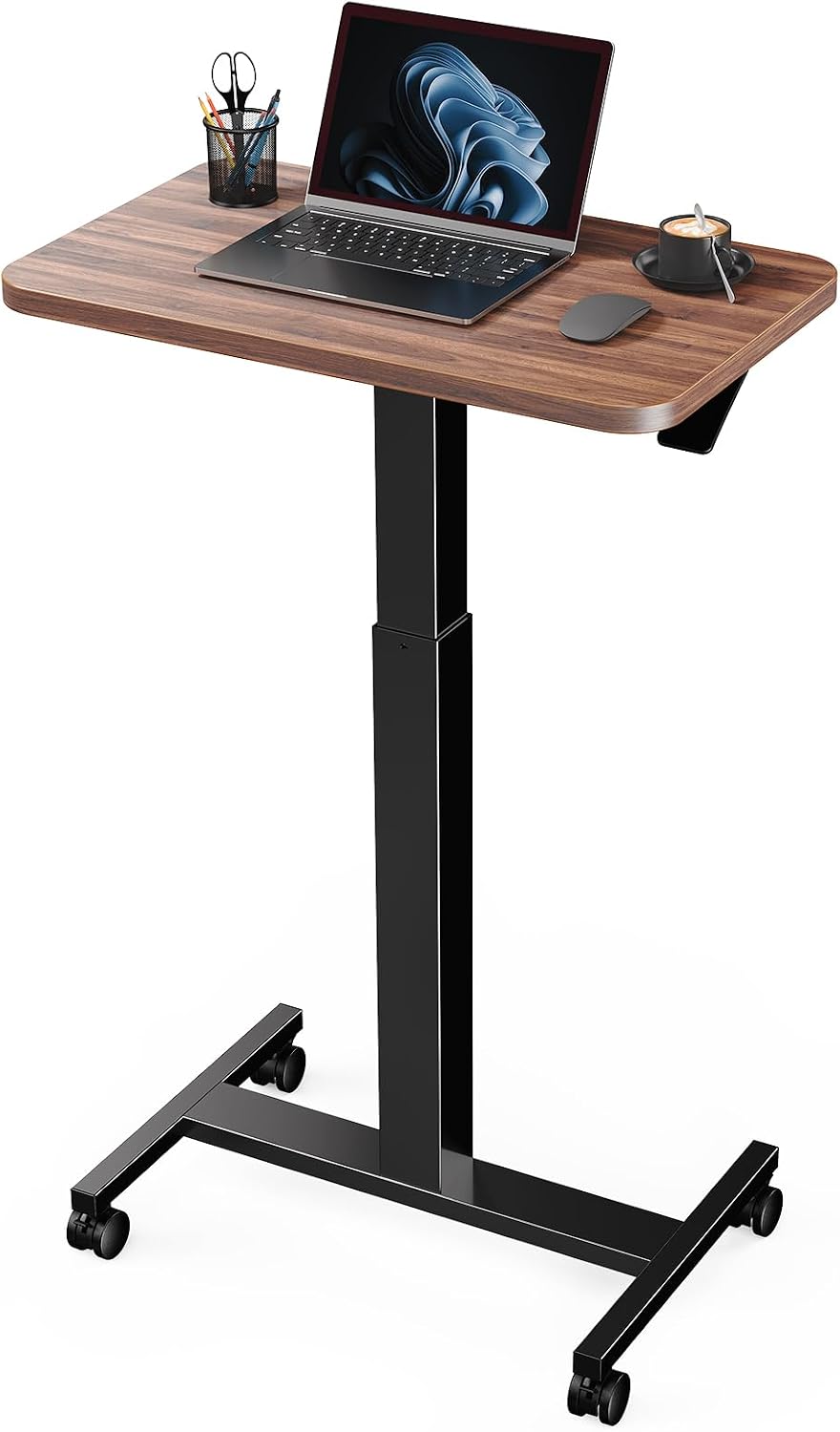
The rolling desk: Marsail Mobile Standing Desk, Wider Height Adjustable Computer Desk, Rolling Sit Stand Desk with 4 Lockable Wheels, Desk for Home Office and Classroom, Walnut
 Visit on Amazon →
The Marsail is a wider top on a rolling frame with four lockable casters, and that combination is what makes it interesting. A wider surface matters more on a wheeled desk than a fixed one, because you are not just placing a laptop. You are placing a keyboard, a second screen, and whatever you carried over from the kitchen counter.
The wheels are the whole argument and the whole risk. Lockable casters let you park the desk against a wall, roll it into a meeting position, and lock it again, which is the reason to buy a mobile desk in the first place. Locked, they hold. Unlocked, you will feel every keystroke travel into the frame, and that is not a defect. That is physics.
The walnut finish is a nice detail on a desk that will sit in a living room or a classroom as often as an office. It reads like furniture instead of equipment, which matters when the desk lives in a shared space.
Flaws but not dealbreakers: A wheeled desk will never match a fixed frame for rigidity at full height, because the casters are four extra joints. If absolute stability is your priority, buy a fixed frame and skip the wheels.
Anyone who needs one surface to move between rooms, or who wants a desk that can be pushed out of the way when the room has to be something else, is the right buyer here.
The mat: The Standing Desk Mat - Topo by Ergodriven | Premium Not-Flat Anti-Fatigue Standing Desk Mat with Calculated Terrain | Ultra-Thick Deluxe Comfort Foam, Durable, PVC-Free | Accessories | Obsidian Black
 Visit on Amazon →
The Topo is the mat I put in every standing setup, and the reason is the shape. It is deliberately not flat. The calculated terrain gives you a raised edge, a center dome, and a channel, which means your feet and calves move through a small range of positions while you work instead of locking into one.
That movement is the entire point of an anti-fatigue mat. Standing still on any surface, flat or cushioned, is what makes your legs ache. Standing while shifting weight from a dome to a channel to a flat spot is what lets you stay up for an hour without thinking about it.
The foam is thick and it holds up under a normal adult, and it is PVC-free, which matters if the mat lives in a bedroom or a small apartment with no ventilation. The Obsidian Black finish hides scuffs from shoes, which sounds trivial until you own a light colored mat.
Flaws but not dealbreakers: Terrain is a preference. Some people want a flat plane under their feet and find a domed mat fussy for the first week. Give it a full week before you decide, because the adjustment period is real.
Anyone who stands for more than 20 minutes at a stretch on a hard floor should start here.
The actual setup workflow
Now the sequence. Work through it in order.
Step one: Pick the floor before you pick the height. Roll the desk to the spot where it will actually live and lock the casters. If that spot is carpet, everything below changes, because pile compresses unevenly and a wheeled desk will lean toward the softer side. Test the wobble on the real floor, not on the hardwood in the hallway.
Step two: Lock all four casters before you set anything. This is the step people skip. A rolling desk that is not locked moves when you lean on it, and you will blame the frame for a problem the brakes solve.
Step three: Set sitting height first. Sit down, put your elbows at roughly 90 degrees, and set the desk so your forearms are level with the top. Save that as preset one. Sitting height is the number you will use most, so get it right before you chase the standing number.
Step four: Set standing height at your elbows, not at maximum. Stand up, let your arms hang, and raise the desk until your elbows sit at about 90 degrees again. Do not just run it to the top of its travel. On a wheeled desk, the last few inches of height are where the sway lives, and you rarely need them.
Step five: Save the presets, then pull the plug. Set your sitting and standing positions as memory presets. Then unplug the desk for 30 seconds and plug it back in. If the presets are gone, you have learned something important about the controller on day one instead of month three.
Step six: Do the cable work with slack in mind. A moving desk needs a service loop. Leave enough slack in every cable for the full range of travel, and route cables down the frame rather than across to the wall. The desk moves, the wall does not, and that difference is how cables get pulled out of ports.
Step seven: Put the mat where you stand, not where the desk is centered. Most people drop the mat dead center under the desk and then stand off to one side, in front of the keyboard. Offset the mat toward your typing position so your feet land on the terrain without a step.
Step eight: Test the collision detection the same day. Put an empty box under the desk and run it down. If the desk stops, you are fine. If it crushes the box, you now know not to trust the sensor with a monitor in the path.
Step nine: Run a three-week rotation. Sit in the morning, stand in the afternoon. Wobble check at the start of each week with the casters locked and your monitor in place. Three weeks is long enough for a controller to annoy you and long enough for a frame to reveal itself.
Where mobile desk setups go wrong
The mistakes are consistent enough that I can list them.
Unlocked casters. Covered above, and still the number one cause of "this desk wobbles."
Standing too high. If your shoulders are creeping up, the desk is above your elbows and you will pay for it by Thursday.
The mat in the wrong spot. A great mat placed six inches from where you actually stand is a rug.
Presets that were never tested. If you have not pulled the plug, you do not know whether your controller holds memory.
Cables routed to the wall. The desk travels, the wall does not. Something has to give, and it is usually the connector.
Expecting fixed-frame stability from a wheeled desk. Four casters are four joints. You can manage the movement with locking and height discipline, but you cannot delete it. If you want a desk that feels like a table, buy a table with a motor.
What I left out and why
This is a setup guide for wheeled desks, so I did not include fixed-frame desks, treadmill bases, or monitor arms. A fixed frame is a different purchase with a different stability ceiling, and a treadmill base is a training tool that happens to hold a laptop. Both deserve their own writeup.
I also left out the accessories arms race. You can spend more on trays, hooks, and cable spines than on the desk itself. The two pieces here are the ones that change how the setup feels every single day.
What this all costs
Check current Amazon price on both pieces before you decide, because the math is not about the sticker. It is about cost per day.
The mat is the cheap insurance. It is a one-time purchase that outlives several desks, and it is the difference between standing for 20 minutes and standing for an hour. The desk is the moving part, literally. Motors, controllers, and casters are the components that wear, so that is where the money should go. The finish and the top are the last things to pay extra for.
If you want a rough way to think about it, divide the price by the number of days you expect to use the setup. Three years of workdays is roughly 750 days. Any desk that gets you standing for even half of them pays for itself in how your back feels at 4 p.m.
The order matters more than the budget. Floor, then casters, then sitting height, then standing height, then presets, then cables, then the mat. Do it once, save the settings, and stop thinking about the desk. That is the whole goal.