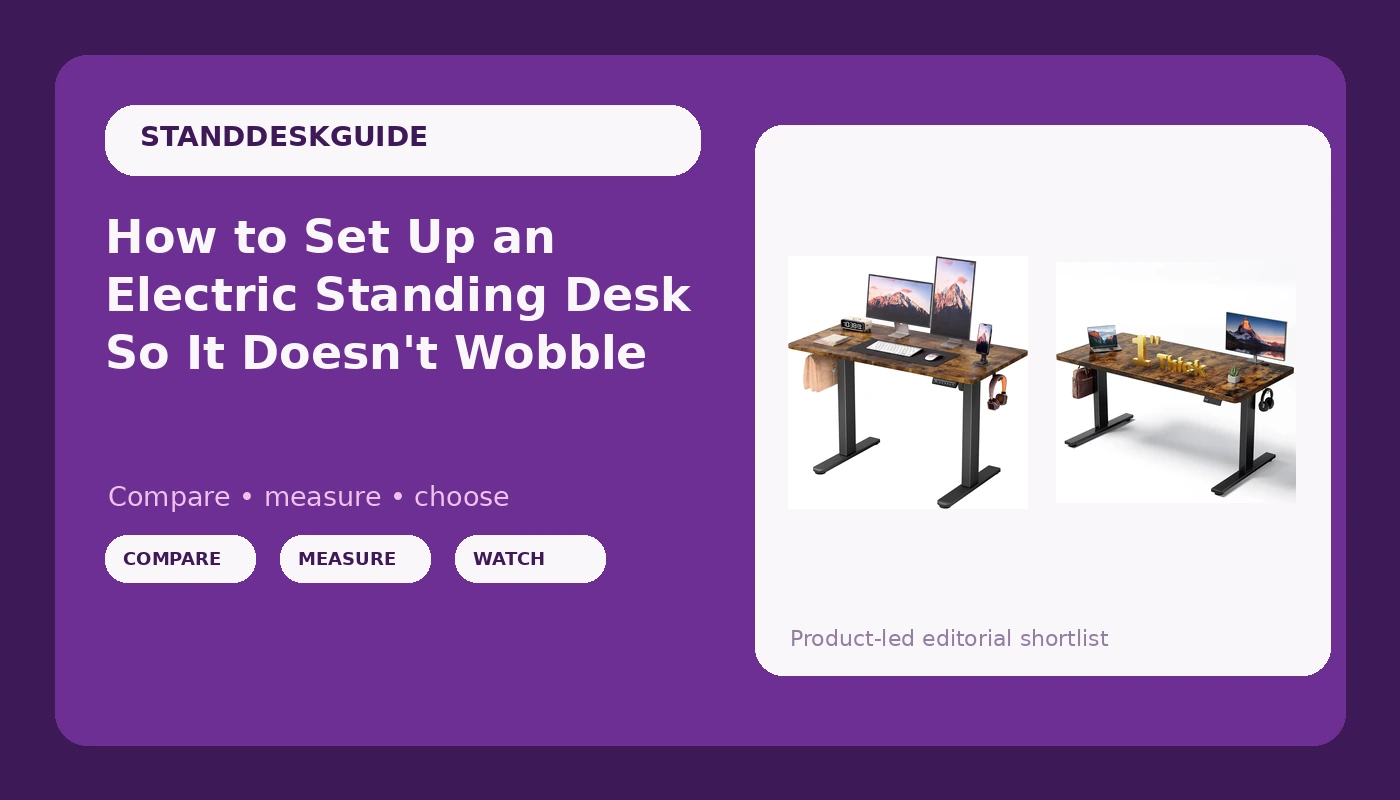
Most people treat an electric standing desk setup as a plug-in-and-go job. Unbox it, bolt the legs to the top, drop it in the corner, press up. Then three weeks later it sways every time they type at standing height, and they decide standing desks were a gimmick all along.
They were not. Either the desk was assembled badly, or it was the wrong desk to begin with.
I spent six years designing office furniture before I started reviewing it, and the pattern is boringly consistent: people buy on price and tabletop finish, then judge the desk on stability. That is backwards. The frame is the desk. The top is a slab you could replace with a butcher block from a hardware store and lose nothing.
So this is the order of operations I use, from the criteria that matter before you buy to the eight assembly steps that decide whether the thing feels solid at 45 inches.
Why you should trust me
I designed height-adjustable workstations for six years, first for a contract furniture manufacturer and then on my own, and I have spent the four years since running a standing desk review channel that never found a way to pay for itself. I own five desks in various states of disassembly. Every one of them got the same treatment: a three-week daily rotation at both sitting and standing heights, a wobble check at full height with a real monitor on the top, and a cable audit.
I keep a log of which motors die and when. It is a shorter log than you would expect from the budget end of the market, and a longer one than the marketing departments would like.
Two things I believe after all of it. First, wobble is a geometry problem, not a weight problem, which means it is usually fixable. Second, the controller matters more than anyone admits, because a desk you fight with is a desk you stop using.
What I check before I recommend anything
Four criteria, in this order.
Two motors, not one. A single-motor desk strains under a real load, and by real load I mean a monitor, a laptop, a mug, and a forearm. Dual columns are the minimum in 2026, and the price gap has closed enough that there is no excuse.
Frame geometry that resists racking. Racking is the side-to-side parallelogram motion you feel when you lean on one corner. A crossbar helps, a wide foot spread helps more, and a narrow frame with thin columns helps not at all. If a listing will not tell you the foot spread, that is information.
A controller that remembers. Memory presets are not a gimmick. They are the entire difference between a desk you raise four times a day and a desk that stays at sitting height forever. I also want to know whether the presets survive a power cut, because a controller that forgets is a controller you stop trusting.
A top thick enough to clamp to. If you ever want a monitor arm, a mic arm, or a clamp light, the tabletop has to be thick enough to hold the clamp without crushing. One inch is comfortable. Half an inch with a honeycomb core is a bad time.
Height range matters too, but it is personal. Measure your seated elbow height and your standing elbow height, add two inches for a keyboard, and buy a desk that covers both numbers.
The two desks worth a look right now
These are the two I would point a friend toward depending on budget and floor space. Both are electric, both are dual-purpose sitting and standing, and both are simple enough that the setup steps below apply directly.
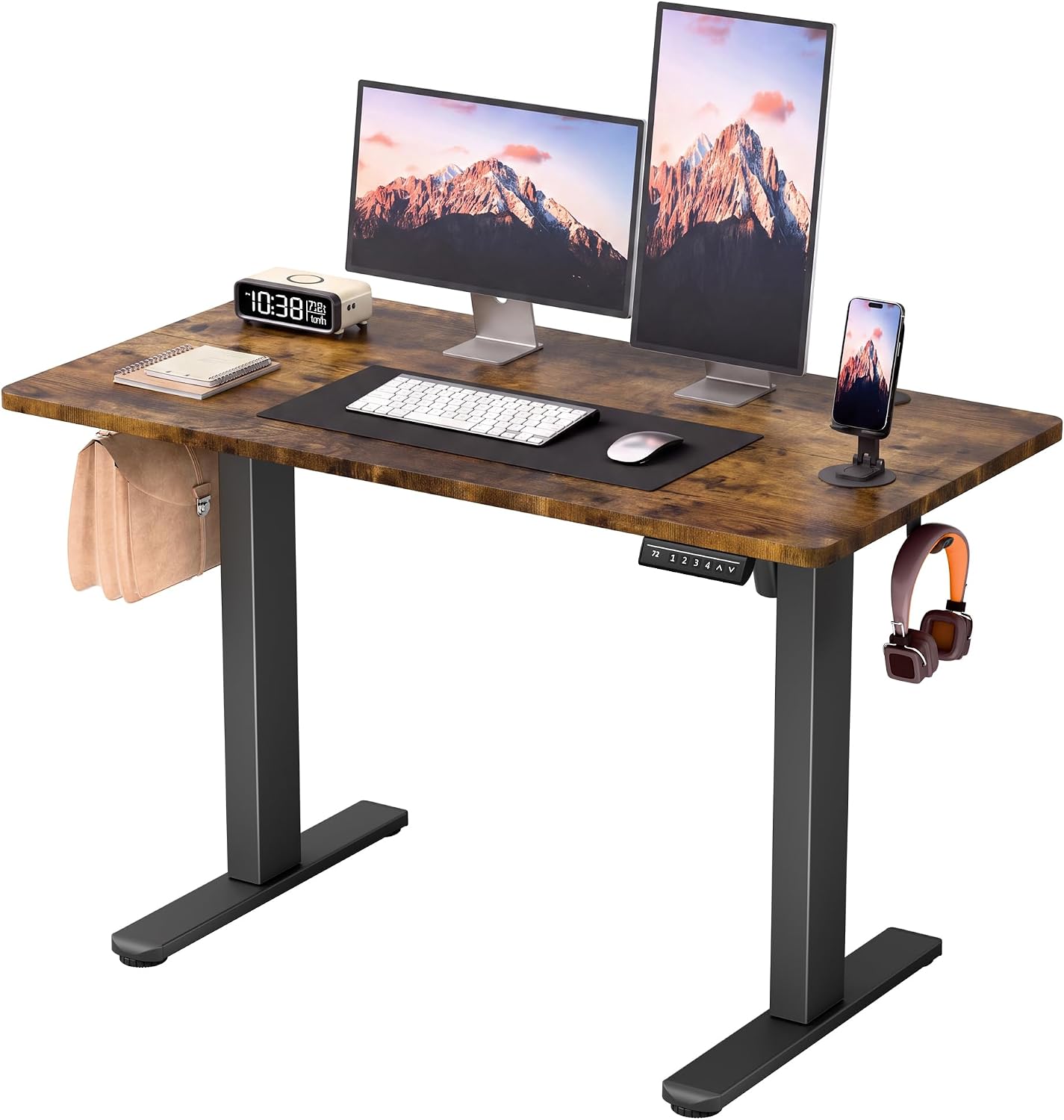
Budget pick: Furmax 45 Inches Electric Standing Desk, Home Office Desk with Phone Holder
 Visit on Amazon →
This is the desk for a small room. At 45 inches wide it fits where a 60 inch top will not, which matters in apartments, dorm rooms, and the spare-bedroom-office situation that half of Portland seems to be running. The phone holder is a small thing, but a phone slot on the top edge beats a phone propped against a monitor.
The tradeoff with a narrower top is that you have less real estate for a monitor plus a laptop plus paper, so plan your layout before you commit. If you work from a single screen and a keyboard, this is plenty. If you run two monitors and a printer, you are shopping in the next size up.
The other thing to know about compact desks is that a narrower top puts less leverage on the frame, which is a quiet stability advantage. A small desk with a decent frame will always feel more planted than a big desk with a mediocre one.
This is the right starting point for a first standing desk, a teenager's homework station, or anyone who needs the desk to fit a specific wall and does not want to think about it again.
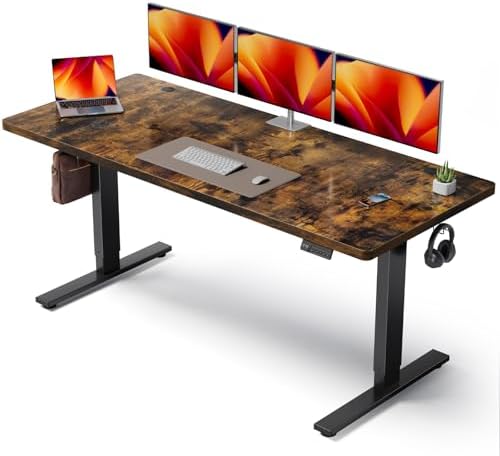
Step-up pick: Brown 60x28 in Electric Standing Desk, 1 Inch Thick Tabletop
 Visit on Amazon →
Sixty by twenty-eight is the size I would buy for myself. It is the shape that holds two monitors with room left for a notebook, and the 1 inch tabletop is the detail that separates this from the thin slabs on cheaper desks. That thickness is what lets you clamp a monitor arm without a reinforcement plate, and it is what keeps a heavy dual-monitor arm from bowing the top over a year.
The footprint is the cost. Sixty inches of width needs a wall that can take it, and twenty-eight inches of depth means you need roughly three feet of clearance behind the desk for the chair to travel. Measure the room before you order, not after.
Brown is also a real decision, not a neutral one. A wood-tone top reads warmer and hides dust better than white or black, but it commits you to a warmer room. If your space is all gray and chrome, this will look like a piece of furniture that wandered in from a different house.
Buy this if you have the wall for it and you want one desk to last. The extra width and the thicker top are the two upgrades that actually change how the desk lives, more than any accessory you can bolt on later.
The setup workflow, step by step
Now the part that decides whether either of those desks feels solid or cheap. None of it is hard. All of it is skipped.
Step one: build on cardboard, not carpet. The desk ships flat and you assemble it upside down. Lay the box cardboard on the floor and work there. Carpet grabs dropped bolts and eats them. Cardboard also protects the tabletop finish from the 40 minutes of scooting that assembly involves.
Step two: start every bolt by hand before you tighten any of them. This is the single most common assembly mistake. If you torque the first corner fully, the frame twists and the remaining holes will not line up. Thread all of them finger-tight, then go around again.
Step three: torque in an X pattern, in two passes. Snug everything in a diagonal sequence, then come back and tighten. This distributes the load evenly across the frame instead of pulling it into a parallelogram. Use the wrench that came in the box and stop when it stops turning easily. Over-tightening strips the insert and then the frame never sits flat.
Step four: square the frame before you flip it. Measure diagonally from corner to corner of the frame, both ways. If the two numbers are not the same, the frame is a parallelogram, and a parallelogram wobbles no matter how tight the bolts are. Nudge it square, then re-tighten.
Step five: level the feet on the actual floor. Put the desk where it will live, then check the levelers. A desk on three feet and one hovering foot will rock, and rocking reads as wobble even when the frame is fine. Old floors are rarely level, which is exactly why the feet adjust.
Step six: route the cables before the first lift. The control box, the power brick, and the motor cables all have to have enough slack to travel the full height of the columns without pulling taut. Zip-tie them to the frame legs, leave a service loop at the control box, and make sure nothing can get pinched between the column and the foot when the desk comes down.
Step seven: program your presets and test the collision sensor. Raise the desk to your standing height, set a preset, lower it, set your sitting preset. Then test the safety sensor by putting a box or a stool under the desk and lowering it onto the obstruction. It should stop and reverse. Test this on day one, because the day you need it is the day you will not have time to learn it.
Step eight: load it gradually. Put your monitor on. Raise and lower the desk a few times. Then add the rest. If something is going to bind or rub, you want to hear it with one item on the desk, not five.
Cable management without turning it into a hobby
Cable management is a supporting character, not the point. Two rules cover 90% of it.
First, nothing should hang below the frame's lowest travel point. If a cable can reach the floor at sitting height, it can be crushed at sitting height. Second, one path, not four. Run everything down one leg in a single bundle with a velcro strap every eight inches or so. Velcro, not zip ties, because you will want to add a cable in six months and you will not want to cut the whole thing apart.
A tray is nice. A tray is not required. I say this as someone with a genuinely excessive cable tray setup and no standing to lecture anyone.
The habits that decide whether you actually stand
The desk will not make you stand. Only a preset button you press without thinking will do that. Two habits are worth building in the first month.
Pair standing with a recurring task. Phone calls, email triage, the Monday planning block. If standing is attached to something that happens anyway, you do not have to remember it. If it is attached to nothing, it will not happen.
And set your standing height by your elbows, not by the number on the display. Elbows at roughly 90 degrees, forearms parallel to the floor, monitor top at or just below eye level. The height that feels right in the first week is usually two inches too low, because most of us are used to slouching.
Where the money should go
If you have a fixed budget, spend it on the frame and the width, in that order. Accessories can be added later and often should be, once you know what you actually want. A monitor arm you bought before you knew your layout is a monitor arm in a drawer.
The Furmax handles a tight space and a first standing desk without asking much. The 60 by 28 inch desk handles a real two-monitor workload and a monitor arm, and its 1 inch top is the spec that makes the arm possible. Neither one is a status object. Both are the kind of desk that disappears into the work, which is the highest compliment I can pay a piece of furniture.
Set it up once, properly, square and level and with slack in the cables, and you will forget you ever worried about wobble.