Related: Standing Desk Cable Management: What Actually Works
Every electric standing desk looks the same in a product photo. A rectangle, two legs, a small control panel, and a promise about posture. Then you raise it to standing height, rest your hands on the keyboard, and the whole thing starts to sway. That sway is the product. Everything else is packaging.
I am Marcus. I designed office furniture for six years, I have been reviewing standing desks for four, and I currently own five of them in various states of disassembly in a Portland workshop. I do not trust a spec sheet, and I do not trust a marketing clip where nobody types. What I trust is a desk that holds still when I lean on it, a controller I can use without looking down, and presets that survive a power cut.
This guide covers four electric standing desks at four different sizes, from a 79 inch work surface down to a 40 inch apartment desk. I run every frame through the same questions: does it hold still at full height, does it have the motor count to lift a real load, does the controller remember anything, and would I still be using it in a year.
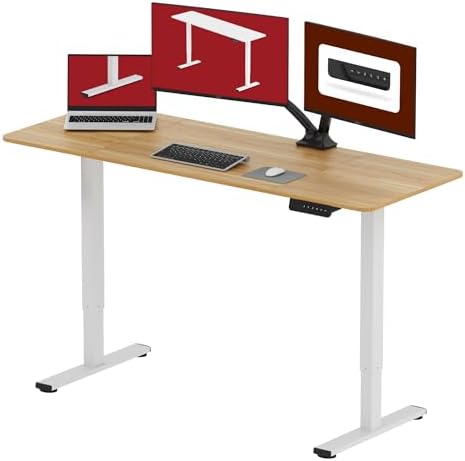
Best Overall: SANODESK 79 x 32 Large Electric Standing Desk
This is the biggest desk in the group by a wide margin, and size is the entire argument. A 79 by 32 inch top gives you two monitors with room left over for a laptop, a notebook, and a coffee cup that is not balanced on top of a speaker. Depth matters as much as width here. At 32 inches you can push the monitor back far enough that your eyes are not fighting the screen at arm's length.
Wide tops are also where weak frames get exposed. A longer, deeper top gives you more leverage, so any lateral twist in the frame shows up the moment you rest your forearms on the front edge. That is the trade. You get the workspace, and in exchange you should be more demanding about the frame underneath it. If the desk moves while you type, no amount of surface area fixes it.
I would put this one in a dedicated office rather than the corner of a bedroom. It wants space behind it, and it wants a cable plan, because a 79 inch run collects a surprising amount of wire.
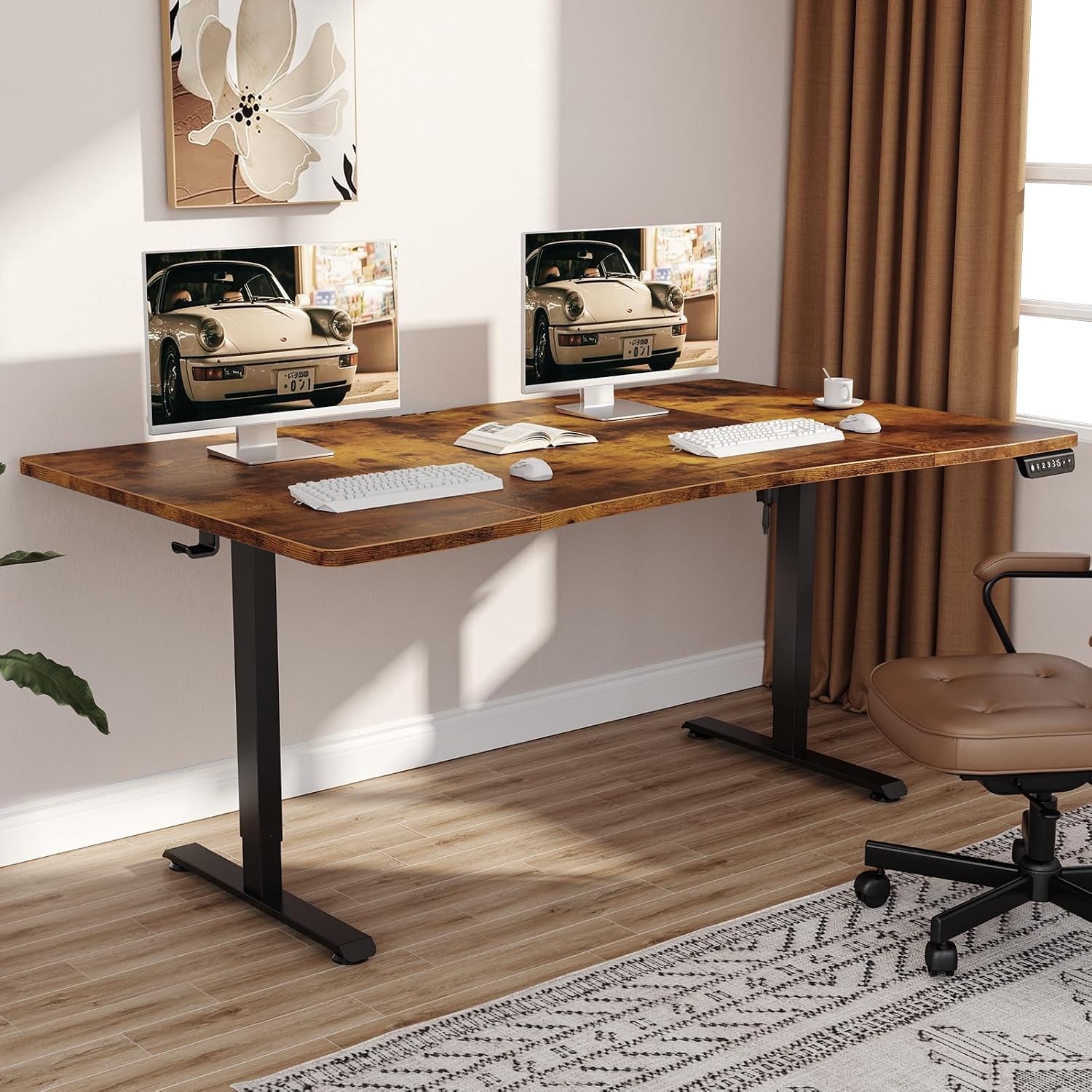
Best Value: Veken 63 x 28 Electric Standing Desk
Sixty three by twenty eight is the size I recommend to most people, and it is the size I would buy if I were starting over. It is wide enough for a monitor and a laptop side by side, deep enough that a keyboard and a notebook both fit, and small enough that it does not take over the room it sits in.
The listing also calls out walking pad use, which tells you something about the intent. If you plan to walk while you work, you are putting a moving load under a desk that has to stay planted while your feet do not. Test that on carpet, not hardwood, because carpet is where budget frames confess.
The brown wooden top is the other reason to look at it. Most budget desks ship in black or white. A wood finish hides dust and fingerprints better, and it reads less like dorm furniture in a living room. At this size, for most people, this is the desk I would hand over with no second thoughts.
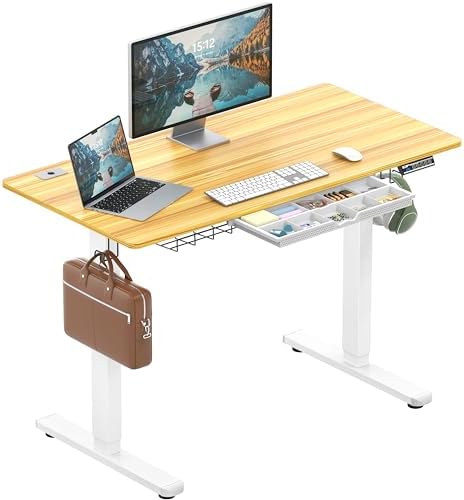
Best for Storage: SHW 55 x 28 Electric Height Adjustable Standing Desk with Drawer
This is the only desk here with a drawer built into the top, and that one feature changes how you use it. A drawer means pens, a charger, headphones, and a notebook live inside the desk instead of on top of it, which is the difference between a clean surface and a pile. The maple finish is a nice change from the usual black.
The drawer is also the thing to inspect. Anything that moves with the top needs clearance underneath it, and the cable running from your monitor to your PC has to travel past the drawer's path. Route cables along the back edge and leave slack for the full travel of the desk. If you zip tie everything tight at sitting height, something will pull the first time you stand up.
Fifty five inches is a comfortable middle size. It holds a monitor plus a laptop without crowding and leaves room for a lamp or a speaker. If you work from paper as much as from a screen, this is the one that keeps the paper out of the way.
Best for Small Rooms: WALKINGDESK 40 x 24 with 2 Hooks
Forty by twenty four inches is not a big desk. It is the desk you buy when the room decides the size for you, and in that role it is genuinely useful. A monitor, a keyboard, and a mouse fit. A second monitor does not, and you should be honest with yourself about that before you order.
The two hooks are the detail I like most. Headphones, a bag, a jacket, all of it has a home that is not the desk surface and not the floor. Small desks fail because everything ends up on top of them, and a couple of hooks is a cheap fix.
The top is a splice board, meaning it ships as two pieces that join. That keeps the box manageable and it is common at this size, but the seam is a real seam. Run your hand across it after assembly, and if the halves do not sit flush, loosen the hardware and re-seat them before you tighten everything down. A seam you can feel under your wrist will bother you every day.
The desk comparison table
Here is the same group in one place, with what each desk is actually for. Sizes come from the product listings, and the price column is a link rather than a number, because these move.
| Desk | Desktop size | Best for | Price |
|---|---|---|---|
 Visit on Amazon → Visit on Amazon →SANODESK large electric desk |
79 x 32 in | Two monitors plus a laptop | $219.99 |
 Visit on Amazon → Visit on Amazon →Veken electric standing desk |
63 x 28 in | One monitor, walking pad use | Check current Amazon price |
 Visit on Amazon → Visit on Amazon →SHW desk with drawer |
55 x 28 in | Storage inside the desk | $189.87 |
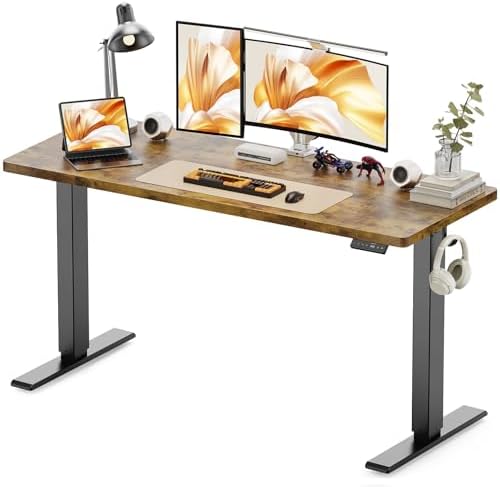 Visit on Amazon → Visit on Amazon →WALKINGDESK compact desk |
40 x 24 in | Apartments and small rooms | $99.99 |
How I evaluate a frame
Every desk gets the same treatment: three weeks of daily rotation between sitting and standing, real work on it, and a checklist I do not skip. This is what I look for, and it is what you should look for on day one, in your own room, with your own gear on top.
The wobble test. Raise the desk to standing height, put your hands where they would be while typing, and push gently side to side. Then type. A desk that moves while you type is a desk you will lower and never raise again. Carpet makes this worse, so if you have carpet, test it on carpet.
The motor question. Two lifting columns, not one. A single motor does twice the work and it shows up as strain and sag under a real load. This is the minimum now, not a luxury.
The controller. Presets that hold after a power cycle, a display you can read at a glance, and buttons you can find without looking down. A desk you fight with is a desk you stop adjusting.
Collision detection. Test it on day one, with something you do not love. If the desk does not stop, you now know.
The cable audit. Move the desk through its full range with everything plugged in and watch what pulls.
What actually matters
Wobble is a geometry problem, not a weight problem. A desk rated for a heavy load can still sway if the frame has no crossbar and the columns are thin. The rating tells you what the motor can lift. It says nothing about how the desk behaves at standing height with a monitor on it.
The crossbar is the cheapest fix in desk design and the first thing budget frames delete. It braces the two columns against each other, which is exactly the direction of the force your forearms create.
Desk tops are interchangeable. The frame is the desk. A beautiful top on a flexing frame is a wobbly desk with a nice finish. If you are choosing between a better top and a better frame, buy the frame.
Splice boards, the two piece tops, are a shipping solution. They are fine, but check the seam.
Memory presets are not a gimmick. They are the difference between using the height feature and abandoning it.
Cable management is where most setups fail. Not because cables look bad, but because a cable that is too short becomes a cable that unplugs your monitor at standing height.
Should you buy the SANODESK 79 x 32?
Yes, if you have the room and you want one surface to hold everything. It is the widest desk here by a wide margin, and for a two monitor setup that space is not a luxury, it is the difference between working and juggling. Be demanding about the frame, though, because a top this size will show you every bit of flex in it.
Should you buy the Veken 63 x 28?
Yes, for most people. It is the size that fits the most rooms and the most setups, it is the value pick in this group, and the walking pad mention tells you it was designed for a desk you stand at rather than one you occasionally raise. If you want one answer with no second thoughts, this is the safe one.
Should you buy the SHW with drawer?
Yes, if clutter is your problem rather than space. The drawer is the feature and it earns its place. Keep the cable path in mind when you assemble it, leave slack for the full range of motion, and it will serve you well.
Should you buy the WALKINGDESK 40 x 24?
Yes, if the room is small. It fits where the others cannot, the hooks keep the surface clear, and the splice board keeps the box manageable. Do not buy it expecting to run two monitors. Buy it because 40 inches is what fits, and a desk that fits is a desk you will actually use.