I designed office furniture for six years before I started reviewing it, and the question I get most often is not which standing desk is best. It is which one is worth the money at the bottom of the market. This electric standing desk comparison covers four desks that each solve a different version of the same problem: the Furmax 45 inch, the alawooder 25 inch mobile folding desk, the farexon 71x28, and the Grandder 55x32 extra-deep. Two of them lift with motors, one lifts with a gas spring, and one is a desk you fold and wheel out of the way. None of them is the desk I would buy for myself. At least two of them are the desk I would buy for someone else.
Related: Electric Vs Pneumatic Standing Desks: Which Lift Mechanism Lasts
The best pick for most people in this group is the Grandder 55x32, because it is the only one of the four that publishes the numbers that actually predict whether you will still use the standing function a year from now: a 176 lb capacity rating, two memory presets, and anti-collision. But that answer depends entirely on your room and your load. The shortlist below is sorted by what each desk is genuinely good at, not by which one has the nicest bullet list.
Furmax 45 Inches Electric Standing Desk, Home Office Desk with Phone Holder
The narrowest and simplest way onto a powered frame, and the built-in phone holder shows someone thought about the desk in daily use
A 45 inch top is a one-monitor surface, and the listing says nothing about motor count or a crossbar
alawooder 25" Mobile Folding Desk: Pneumatic Sit-Stand, No Assembly
No assembly, no power cable, no controller to fight with, and it folds away when the room has to be something else
25 inches is laptop territory, and a pneumatic cylinder gives you no presets and no collision sensing
farexon 71x28 Inch Electric Standing Desk with Mouse Pad, Brown
The widest working surface in the group by a wide margin, with a mouse pad included rather than sold separately
71 inches of top is a long lever on any frame, and the listing does not advertise a crossbar or a preset count
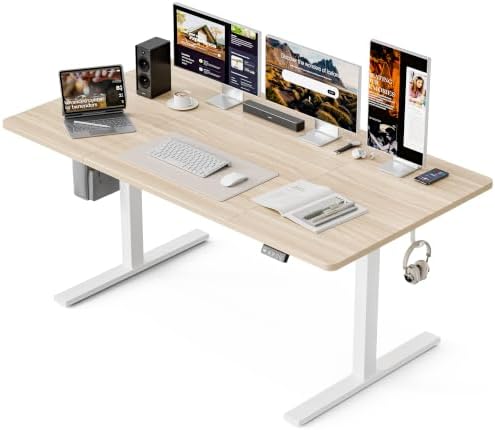
Grandder 55x32 Extra-Deep Electric Standing Desk, Wide Desktop Fits 49" Ultrawide Monitor+Dual Screens, 176 lbs Capacity, 2 Memory Presets, Anti Collision, Computer Desk for Home Office & Gaming, Oak
The only one that publishes capacity, preset count, and collision detection, which are the three specs I care about most
A 32 inch depth demands real floor space, and 55 inches will not host a second person
Prices and availability were captured from Amazon Creators API and may change.
The four questions I ask before I recommend any desk
Every desk that comes through my shop gets the same four questions, and I ask them in this order because the first one eliminates the most candidates.
First, does it wobble at full height with a monitor on it? Wobble is a geometry problem, not a weight problem. The frame is the hypotenuse of a triangle, and the longer that hypotenuse gets without a brace to close the triangle, the more the whole thing sways when you type. A desk that sways at standing height is a desk you stop standing at, no matter how good the motor is.
Second, are there two lifting columns and a crossbar? Two motors are the minimum I will accept in 2026, because a single column under a loaded top has to work harder and the frame tends to sag under an uneven load. A crossbar is the horizontal brace underneath, and its absence is the single most common reason a budget desk sways.
Third, does the controller keep your presets after you unplug it? This sounds trivial and it is not. A desk that forgets your numbers on every power cycle turns a two-second adjustment into a twenty-second negotiation, and that is how people end up leaving the desk at sitting height forever.
Fourth, would I work on it for a year? That is the only test that matters. Everything else is a spec sheet.
Furmax 45 Inches Electric Standing Desk: the simplest way onto a motor
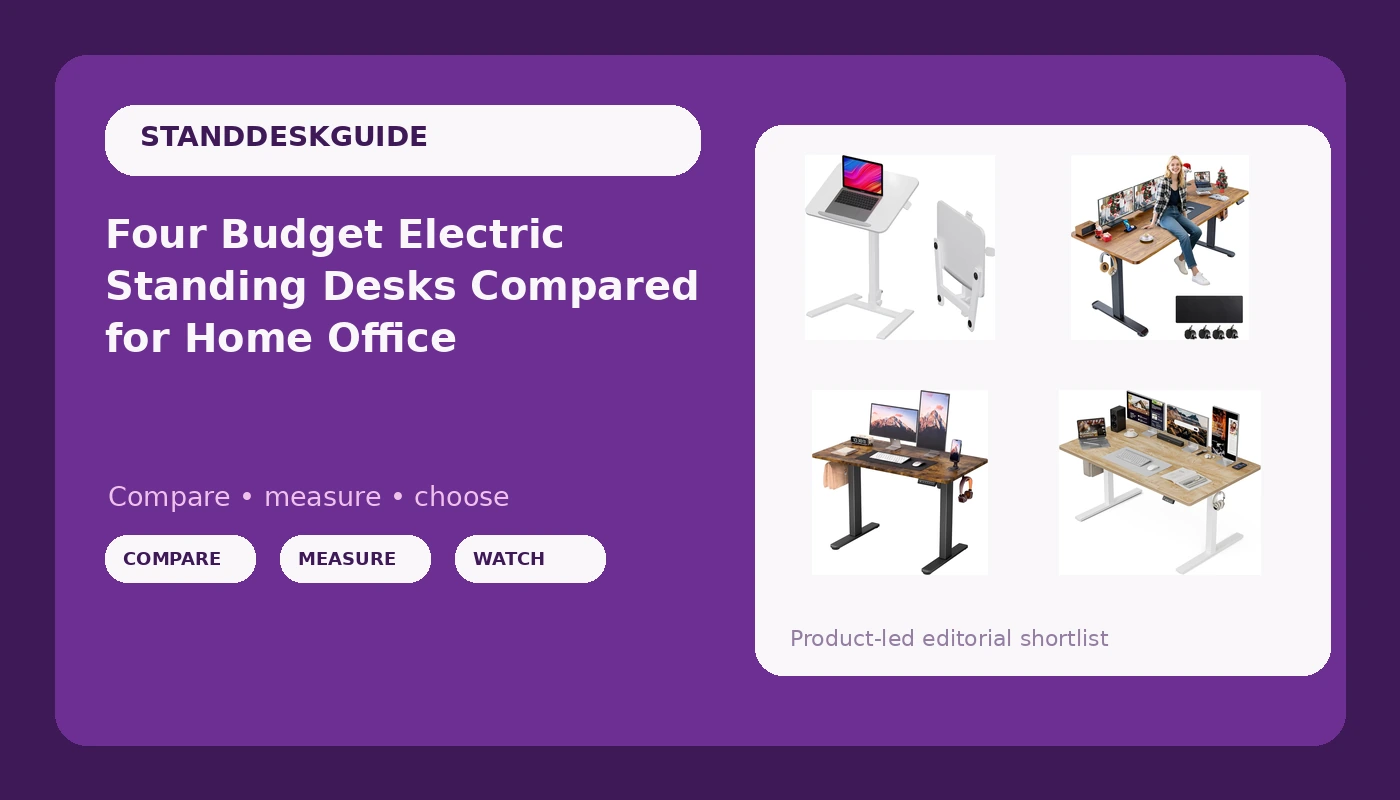
The Furmax is a 45 inch electric desk with a phone holder built in. That is what the name tells you, and it is a deliberately modest promise.
Forty-five inches is the width where you make a real choice. It fits a laptop plus one monitor, a keyboard, and a mug, and it fits it in an apartment bedroom, a dorm, or the corner of a kitchen that has been quietly promoted to an office. What it will not fit is a 49 inch ultrawide, a second monitor with a portrait orientation, or a printer.
The phone holder is the detail I keep coming back to, because it is the kind of thing that only shows up when a designer has watched someone actually work. Your phone sits up where you can see a notification without moving your keyboard.
What the listing does not say is how many motors are under the top, whether there is a crossbar, and how many presets the controller stores. At this price tier, those are the three things that decide whether the desk feels like furniture or like a gadget. If you buy it, the first thing to do is raise it to your standing height, put your monitor on it, and type hard for two minutes. That tells you more than any bullet point.
alawooder 25" Mobile Folding Desk: pneumatic, portable, no assembly
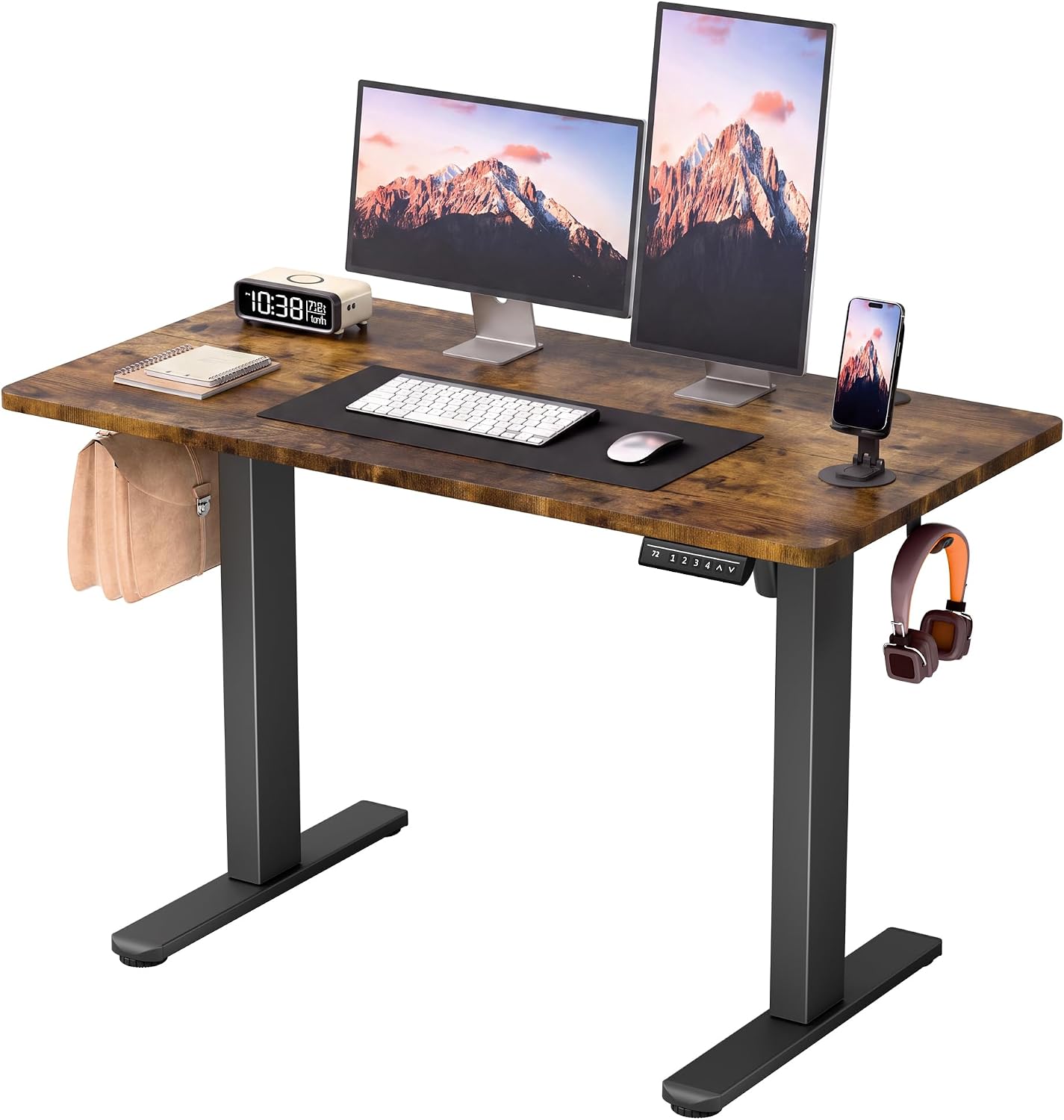
The alawooder is the outlier, and it deserves to be judged on its own terms. It is not an electric desk and it is not trying to be. The lift is pneumatic, which means a gas cylinder does the work when you pull the top up, the way an office chair raises. No motor, no power supply, no controller, no cable running across the floor to the nearest outlet.
The rest of the name is the argument. It folds, it moves, and it arrives assembled. No assembly is a genuine feature for anyone who has spent a Saturday evening with an Allen key and a bag of bolts, wondering whether step four was supposed to leave two screws over.
Twenty-five inches is the trade-off, and it is a big one. That is a laptop, a mouse, and a notebook. A 27 inch monitor will overhang the edges and put its weight where the top is not supported. The pneumatic cylinder also has a fixed travel, so you get whatever height range the gas spring was charged for, not a range you dial in. There are no presets, no collision sensing, and no slow soft-start.
Where it wins is in rooms that have to do two jobs. Fold it against a wall, wheel it into a closet, pull it out for a standing call, then put it away before dinner. For a renter, a small apartment, or anyone who needs a second standing surface rather than a primary desk, that is a better answer than a heavy frame you cannot move alone.
farexon 71x28 Electric Standing Desk: the widest surface here
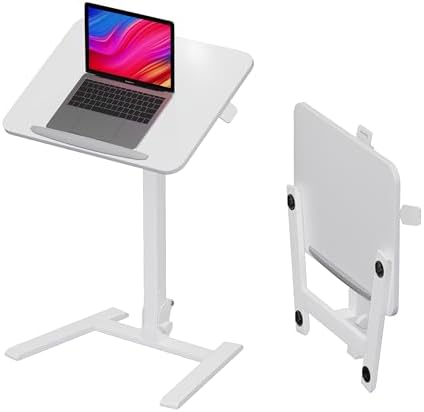
Seventy-one inches is nearly six feet of desk. That is the whole story of the farexon, and the mouse pad included in the box confirms who it is aimed at: someone who wants a big, uninterrupted surface and does not want to shop for accessories afterward.
For a dual-monitor setup with a laptop on a riser, plus speakers, plus a dock, this is the first desk in the group where you are not making a compromise. You get a monitor, a laptop, a second monitor, and still have somewhere to put a notebook. The brown finish is a nice break from the grey and black that dominates this category, and it reads warmer in a room with wood floors.
The trade-off is leverage. The wider the top, the longer the lever arm pushing against the frame, and 71 inches is the longest top in this comparison. That makes frame geometry the deciding factor, and the listing does not tell you whether there is a crossbar underneath or how many motors are doing the lifting. If the frame is well braced, this is a lot of desk. If it is not, this is the desk that will teach you what wobble means.
Twenty-eight inches of depth is standard, not generous. A large monitor on a deep stand will still feel close. Measure your wall before you commit, because 71 inches is a serious footprint in a room that also needs a door to open.
Grandder 55x32 Extra-Deep Electric Standing Desk: the one with published numbers
This is the desk I would put my own money on, and the reason is not the oak finish, although the oak finish is genuinely nice. It is that the Grandder listing tells you the things the other three leave out.
A 176 lb capacity rating means dual monitors, a laptop, a dock, speakers, and a full mug can sit on this top without the frame straining. Two memory presets mean you press one button to stand and another to sit, and that is the difference between a height adjustable desk and a desk whose height feature you use twice and then forget. Anti-collision means the desk is supposed to stop when it meets resistance, which matters the first time you misjudge where your chair back is.
Fifty-five inches by 32 inches is the shape I recommend most often to people who work with a lot of screen. The 32 inch depth is the real prize. It is the difference between a monitor sitting at arm's length and a monitor sitting in your face, and it buys you room for a keyboard plus a notebook in front of it. The listing specifically calls out a 49 inch ultrawide with dual screens, which is a serious amount of glass on one frame.
The costs are honest ones. A 32 inch deep top eats floor space, so measure your room and your chair travel before you order. And 55 inches is a single-user width, so this is not the desk for two people sharing a table.
Test the anti-collision sensor on day one. Put an empty box in the desk's path, lower it slowly, and confirm it stops. Collision detection is one of those features that is either working or is a marketing line, and you want to know which one you bought before it is your monitor in the way.
The trade-offs nobody puts on the box
Motor count is the spec that gets buried most often. Two lifting columns share the load and keep the top level; one column does all the work and tends to strain. When a listing is silent on motor count, assume the cheaper option and price your expectations accordingly.
The crossbar is the second buried spec. It is the horizontal brace that closes the triangle between the two legs and the floor. Cheap frames leave it out because it costs money and adds a part, and the result is a desk that feels fine at sitting height and vague at standing height.
The controller is the third. A controller you fight with is a controller you stop using. Presets are not a gimmick, they are the feature that converts a height adjustable desk from a novelty into a habit. The related question is whether those presets survive a power cut, which is exactly the kind of thing you only find out after a storm.
Cable management is the fourth, and I will admit my bias here: I think it is overrated as a purchase decision and underrated as a daily annoyance. A tray and a few velcro straps fix almost anything. Do not let a tidy marketing photo move a desk up your list.
Which one I would buy, and for whom
If you want a motor, a narrow top, and the smallest possible commitment, the Furmax is the low-risk entry point. Buy it for a laptop and one monitor and check the wobble in the first week.
If your room has to serve two purposes, or you move often, the alawooder is the one that solves a problem the other three cannot. It is not a replacement for an electric desk, it is a replacement for not having a standing surface at all.
If your work is wide rather than deep, if you run two monitors side by side and hate swapping windows, the farexon gives you the most surface for the least juggling. Just be prepared to test the frame at full height early.
If you want the desk that will still be on your floor in three years, and you want the specs to prove it, the Grandder is the pick. Capacity, presets, and collision detection are the three numbers I use to predict whether someone keeps standing, and it is the only desk here that publishes all three.
What I am testing next
I am three weeks into a run of 2026 budget dual-motor frames, four units, a wobble meter, and real work in each one at both sitting and standing heights. The $250 frame market is getting dangerous in the good sense: the geometry is improving faster than the prices are. I keep a log of which motors die and when, and so far the pattern holds that the frame, not the top, decides how long a budget desk lasts.
If you take one thing from this comparison, take the test order. Measure your wall, count your monitors, decide how much depth you actually need, and then buy the frame that matches. The top is replaceable. The frame is the desk.