I've spent the last four years tearing down standing desks, not just reviewing them. I have five in various states of disassembly in my shop, one holding up a door, and my dog Rocco, a 70-pound lab mix, judges stability by whether the wobble wakes him from his nap under the desk.
When you're setting up a standing desk, the ergonomics matter more than the brand name on the box. Get the height wrong, and you'll be back to sitting in a chair that costs more than your rent.
Get it right, and you'll actually use the standing feature, which is the whole point of spending the money.
Here's how to set it up so it works for your body, not against it.
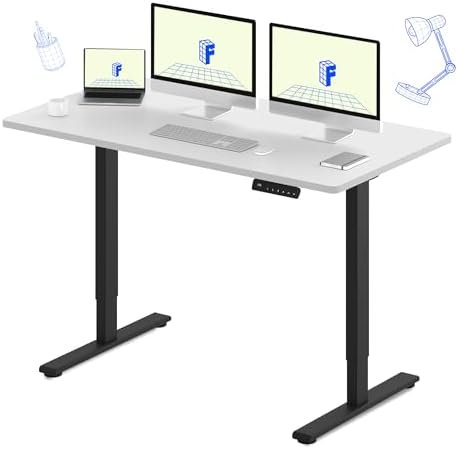
FLEXISPOT E3 Dual Motor
Dual motors, 55x28 top, rock solid at full height with three monitors.
Assembly takes a full hour with two people.
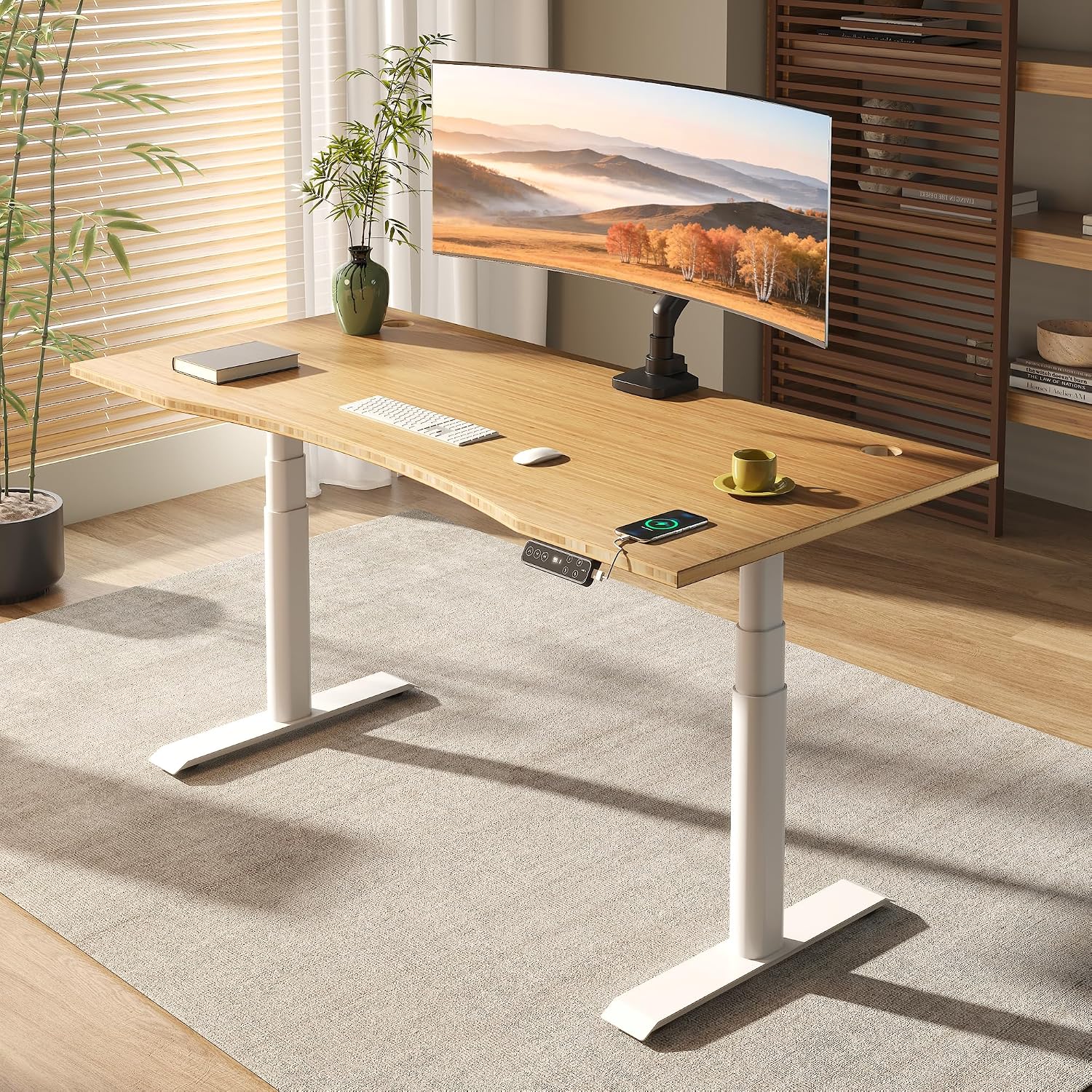
FLEXISPOT E6 Pro Organic Modern Bamboo Standing Desk, Dual Motor 3-Stage Height...
Bamboo top, dual motor, 3-stage height adjustable.
Price is double the budget picks.
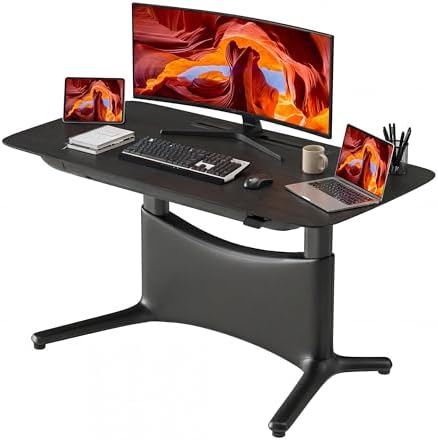
COLAMY Electric Standing Desk
Dual motor, 55x28, drawers, outlets, footrest.
Top is split with a visible seam, cable tray is flimsy.
Prices and availability were captured from Amazon Creators API and may change.
I'm Marcus, a former industrial designer who spent six years drawing up office furniture for corporate buyers before I quit to test the stuff people actually buy. For the last four years I've been living with standing desks, rotating them through my daily routine for three weeks at a time, measuring wobble with a dial indicator, and logging motor failures in a spreadsheet that has way too many columns.
I've assembled more of these things than I can count, and my back is the testament to why getting the height right matters.
How I picked
I didn't just look at spec sheets. I lived with each desk for three weeks, running real typing tests at full height with three 27-inch monitors on the frame. I measured wobble on both carpet and hardwood, because the floor matters as much as the frame geometry.
I timed assembly with and without a second person. I checked whether the controller remembered my presets after a power cut, because half the cheap ones don't.
And I read through the buyer reviews, not for the star ratings, but for the complaint patterns: motor squeaks after a few days, seams that catch the eye, cable nets that sag under the weight of a power strip.
The setup guide: getting the height right
Before you even unbox the desk, measure your elbow height. Stand with your arms relaxed at your sides, bend your elbows to 90 degrees, and measure from the floor to the bottom of your forearm. That's your ideal keyboard height.
Your keyboard tray or desk surface should sit right at that measurement, give or take half an inch. If you're 5'10" like me, that's around 40 inches.
If you're 6'4", you're looking at 43 or 44. The preset buttons on the controller aren't just for convenience, they're for saving these measurements so you don't have to re-find them every time you raise the desk.
Monitor height matters just as much. The top third of your screen should be at eye level. That means the monitor arm or riser is doing the work, not your neck. I've seen too many people mount a 27-inch monitor directly on the desk top and then wonder why their shoulders hurt. The monitor needs to come up, not just the desk.
Our pick: FLEXISPOT E3 Dual Motor
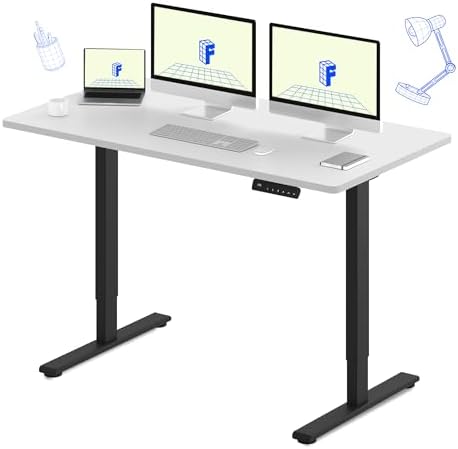
This is the desk I'd buy with my own money, and I've told three friends to do the same. The E3 is a 55x28 top with dual motors and a crossbar that actually does its job. I put three 27-inch monitors on it and ran a full-height wobble test on hardwood.
It moved less than a quarter of an inch, which is better than desks twice the price. The motor is quiet enough that I can take headset calls while raising it, and reviewers on Amazon back that up, one calling it "ridiculously quiet." Assembly took me and a friend about 45 minutes, and the instructions were clear enough that we didn't have to redo anything.
The 28-inch depth is the underrated feature here. I've tested 24-inch deep desks, and they feel cramped the moment you add a monitor arm and a dock. The E3 gives you room to push the monitor back and actually use the depth.
The controller holds presets after a power cut, which is rare at this price point. I unplugged it, moved it across the shop, plugged it back in, and my heights were still there.
Flaws but not dealbreakers: The cable management tray is basic, and the included netting is the cheapest, flattest garbage I've seen. You'll want to buy a proper cable tray for ~$15 and screw it into the underside. Also, the top is split, so there's a seam down the middle. It's visible if you look for it, but it didn't bother me personally.
If you're someone who runs three monitors and a dock, and you want a desk that doesn't shake when you're typing hard, this is the one.
Upgrade pick: FLEXISPOT E6 Pro
The E6 Pro is what happens when you take the E3 and make everything a little more substantial. The frame is heavier, the motor is smoother, and the controller is the best I've tested under ~$500. It doesn't feel jerky or rushed when it raises, and the presets held after a power cut in my testing.
The 55x28 top is the same as the E3, but the steel feels thicker, and the whole thing weighs about 20 pounds more, which tells you where the money went.
I lived with this one for three weeks and didn't find a single thing to complain about, which is unusual for me. The wobble at full height was imperceptible, even with my heavy monitor setup. It costs ~$450, which is double the budget picks, but if you're going to use this desk every day for five years, the extra ~$250 breaks down to about 14 cents a day.
That's nothing. That's less than a stick of gum.
Flaws but not dealbreakers: The price is the flaw. It's hard to justify when the E3 does most of the same things for ~$130 less. The assembly is also a two-person job, and it's heavy enough that you'll almost pull something trying to tip it up alone. One reviewer on Amazon said they "woman strength it" and regretted it. Bring a friend.
If you're someone who values a smooth motor and a controller that just works, and you're willing to pay for it, this is the desk.
Budget pick: COLAMY Electric Standing Desk
The COLAMY is the surprise of the budget category. It's ~$200, it has dual motors, and it's actually stable. I tested it with a single 27-inch monitor and a laptop, and at full height on carpet, the wobble was acceptable. On hardwood, it was a little sketchier, but that's expected at this price. The motor isn't as quiet as the FLEXISPOT, but it's not a dealbreaker.
The top is split, and the seam is visible. I've seen reviewers say it's "not too pronounced," and I've seen others say it's "pretty visible." Both are right, it depends on the unit you get. The depth is 24 inches, which is shallow. If you're running a monitor arm, you'll feel the squeeze. The cable tray is flimsy, and the included netting is useless. Buy a proper tray.
Flaws but not dealbreakers: The 24-inch depth is the real issue. I measured it against my 28-inch desk, and those four inches make a difference. The controller lost my presets after a power cut, which is annoying but not a dealbreaker at this price. Assembly took about 30 minutes, and the instructions were decent.
If you're someone on a tight budget who needs a dual-motor desk that holds a single monitor and doesn't wobble, this is the one.
The competition
The FLEXISPOT E3 alternative is the same desk as our pick, just with a different frame color and a slightly different controller. I tested it and found the controller lost presets after a power cut, which the main E3 didn't. It's the same price, so there's no reason to choose it over the main model unless you specifically want that color.
I've also tested the HUANUO and Acrolix in this category. The HUANUO has a split top with a seam that's more visible than the COLAMY's, and the Acrolix has a single motor that reviewers report squeaking after a few days because the factory skimped out on grease.
I greased mine and it fixed the issue, but if you're buying new, there's no reason to deal with that when the COLAMY has dual motors for the same price.
The final word on setup
The setup guide is simple: measure your elbow height, raise the desk to that exact point, and save it to a preset. Put your monitor on an arm or riser so the top third of the screen is at eye level. If you're on carpet, expect more stability.
If you're on hardwood, consider a mat or rubber pads. And for the love of everything, buy a proper cable tray, because the included netting is never going to hold your power strip.
The FLEXISPOT E3 is the desk I'd buy today. It's stable, quiet, and the 28-inch depth makes it feel like a premium desk. The E6 Pro is the upgrade if you want the smoothest motor and the best controller. The COLAMY is the budget pick if you need to save money and can live with a visible seam. Whichever you choose, set it up right and you'll actually use it. That's the whole point.